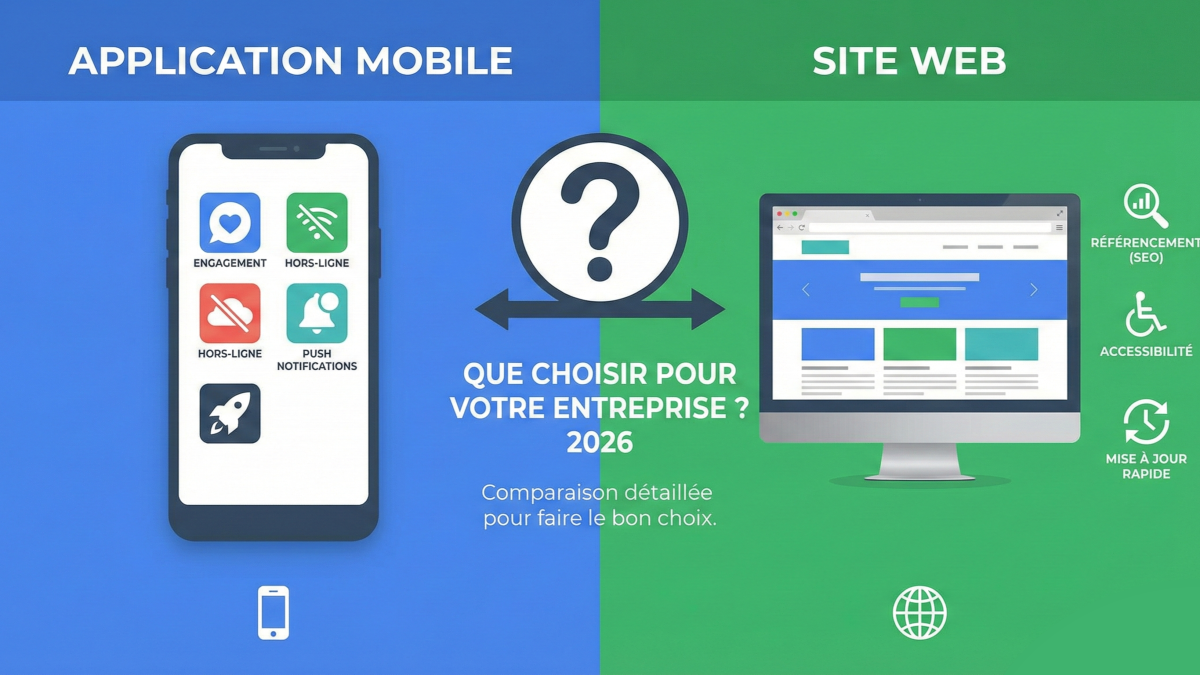
You want to digitize your business. The first question that comes up: should you build a mobile app or a website? Or both?
This is a fundamental question, because it determines your budget, your customer acquisition strategy, and the experience you will offer your users.
The answer depends on what you want to accomplish, not what is trending.
Website vs. mobile app: what are the real differences?
The website
A website is accessible from any browser (Chrome, Safari, Firefox) on any device. No download required. The visitor types a URL or finds you through Google, and they access your content.
Ideal for:
- Getting discovered (SEO, Google visibility)
- Presenting your business and services
- Generating contact enquiries
- Selling online (e-commerce)
The mobile app
A mobile app is software installed on the user's smartphone, downloaded from the App Store (iPhone) or the Play Store (Android). It lives on the phone's home screen.
Ideal for:
- Providing a smooth, frequently used experience
- Leveraging phone capabilities (camera, GPS, push notifications)
- Retaining existing users
- Solving a recurring problem (management, orders, tracking)
The complete comparison table
| Criterion | Website | Mobile app |
|---|---|---|
| Accessibility | Immediate (URL) | Download required |
| Google visibility (SEO) | Excellent | Limited (App Store SEO = ASO) |
| Development cost | 3 000 – 15 000 € | 10 000 – 50 000 €+ |
| Maintenance cost | 500 – 2 000 €/year | 2 000 – 5 000 €/year |
| Performance | Good | Excellent |
| Push notifications | Limited (PWA) | Native, powerful |
| Offline mode | Limited | Fully supported |
| Camera, GPS, sensors | Limited | Full access |
| Usage frequency | Occasional | Daily/weekly |
| User retention | Low (visitor leaves) | High (app stays on their phone) |
| Updates | Immediate | Via app stores (Apple review 24-48h) |
| Audience | Broad (anyone with a browser) | Targeted (engaged users) |
When should you choose a website?
You should invest in a website first if:
1. You want to be found on Google
Search engine optimization (SEO) is the primary source of free traffic for businesses. A well-optimized website appears in search results when your prospects type queries like "app developer near me" or "custom software agency".
A mobile app does not appear in standard Google search results.
2. You need a professional showcase
To present your services, display your work, and build trust with prospects: a website is essential. It is your digital business card.
3. Your audience is broad and diverse
A website reaches everyone, on every device, with zero friction. No download, no account to create. The visitor arrives, finds the information, and contacts you.
4. Your budget is limited
A website costs 3 to 5 times less than a mobile app. If you are just starting out, begin with the website.
When should you choose a mobile app?
You should invest in a mobile app if:
1. Your users need it frequently
If your clients or employees use your tool daily or weekly, the app provides a far superior experience to a website. The icon on the home screen, the instant launch, the reminder notifications — everything encourages regular use.
2. You need phone-native features
Camera (document scanning, photos), GPS (geolocation, directions), sensors (NFC, Bluetooth), local storage — an app accesses capabilities that a website cannot fully leverage.
3. You want to retain your audience
Push notifications are the most powerful retention tool in digital. A well-timed, well-crafted message brings users back to your app with an open rate of 5 to 15% (compared to 2% for email).
4. Your app solves a business problem
Management application, B2B ordering tool, mobile CRM, field tracking, inventory management: if your application is a daily work tool, the app format is the best fit.
Why not both?
For many businesses, the right answer is: website first, app second.
The 2-phase strategy
Phase 1 — The website (budget: 3 000 – 10 000 €)
- You exist on Google
- You present your business
- You generate qualified leads
- You validate your market positioning
Phase 2 — The mobile app (budget: 10 000 – 40 000 €)
- Your existing clients get a dedicated tool
- You retain your customer base
- You automate your processes
- You create a competitive advantage
This progressive approach allows you to validate your market with a limited investment before moving to the next level.
The hybrid solution: the PWA (Progressive Web App)
There is a third option: the Progressive Web App. It is a website that behaves (almost) like a mobile app.
| Feature | PWA | Native app |
|---|---|---|
| Installation | Via the browser (no store needed) | Via App Store / Play Store |
| Push notifications | Yes (sometimes limited on iOS) | Yes, full support |
| Offline mode | Basic | Advanced |
| Performance | Good | Excellent |
| Camera, GPS | Partial | Full |
| Cost | -30 to -50% vs native | Reference |
A PWA is a good compromise if: your budget is limited, your need for native features is modest, and you want to avoid the complexity of app store publishing.
The simplified decision tree
Ask yourself these 4 questions:
- Will your users need it daily? → If yes, mobile app
- Do you need native features (camera, GPS, notifications)? → If yes, mobile app
- Is your priority to be found on Google? → If yes, website
- Is your budget under 10 000 €? → Start with a website
Your next step
You now know which solution best fits your situation. But the best way to decide is to visualize your project in concrete terms.
Whether you choose a website, a mobile app, or both, we can show you the result as a mockup before any financial commitment.