You have decided to build an app. Great! But before contacting a developer, there is a crucial step that many entrepreneurs overlook: the requirements document.
A good requirements document saves you time, money, and helps you avoid 80% of the misunderstandings that cause projects to fail.
A poor requirements document (or no requirements document at all)? That is an open door to budget overruns, delays, and frustration.
Why is a requirements document essential?
1. Align your vision with the developer
You have a clear idea in your head. The problem: your developer is not in your head. The requirements document translates your vision into a document that everyone understands in the same way.
2. Get comparable quotes
Without a requirements document, each service provider interprets your request differently. Quotes become impossible to compare. With a precise requirements document, you can compare proposals on a common basis.
3. Frame the budget
The more detailed your requirements document, the more accurate the quote will be. Fewer surprises, less scope creep.
4. Serve as a reference during the project
The requirements document is the agreed-upon contract between you and your service provider. If any doubt arises during development, you go back to the document.
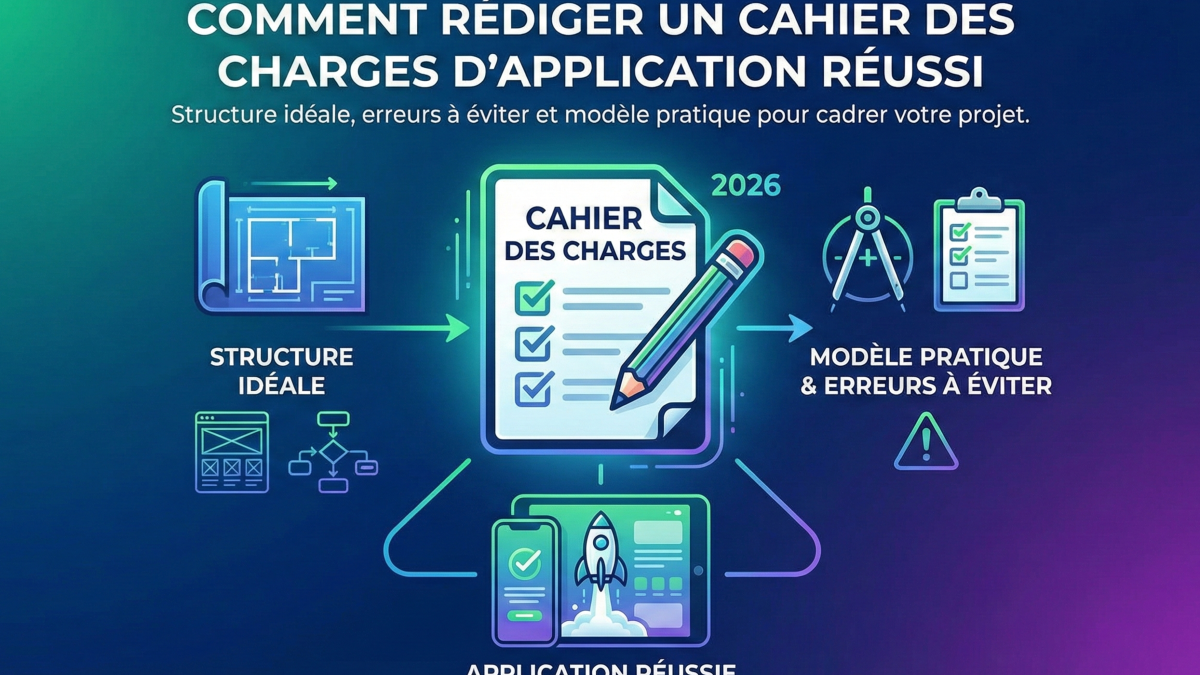
The structure of a good requirements document
1. Project overview (1 page)
- Your company: business activity, size, industry
- The context: why this project? What problem are you solving?
- The main objective: in ONE sentence, what should the application accomplish?
- Target users: who will use the app? How many are there?
2. Functional description (2-5 pages)
This is the heart of the document. List all expected features, grouped by module.
Recommended format:
| Module | Feature | Priority | Description |
|---|---|---|---|
| Authentication | Email/password login | Must-have | User logs in with their email |
| Authentication | Google/Apple sign-in | Should-have | One-click sign-in |
| Dashboard | KPI overview | Must-have | Revenue, orders, alerts |
| Orders | Place an order | Must-have | Product selection, quantity, validation |
| Orders | Order history | Must-have | Chronological list with filters |
| Notifications | Push notifications | Should-have | Personalised alerts |
Tip: classify each feature into 3 priority levels:
- Must-have (MVP — without it, the app does not make sense)
- Should-have (adds value, but can wait for V2)
- Nice-to-have (optional, to consider later)
3. Technical specifications (1-2 pages)
- Platforms: iOS, Android, both, web?
- Compatibility: what minimum OS versions?
- Integrations: which existing systems does the app need to connect with?
- Hosting: do you have any preferences or constraints?
- Security: sensitive data? GDPR compliance?
- Performance: expected number of simultaneous users?
4. Design and user experience (1 page)
- Brand guidelines: do you have a logo, colours, a visual identity?
- Inspirations: apps you like? Reference interfaces?
- Constraints: accessibility, languages, dark mode?
5. Constraints and timeline (1 page)
- Budget: your overall budget (even an approximate range)
- Deadline: desired launch date
- Legal constraints: industry-specific regulations
- Maintenance: who will maintain the app after launch?
The 7 most common mistakes
1. Being too vague
"I want an app like Uber but for my industry" is not a requirements document. Detail the specific features you need.
2. Being too technical
You do not need to specify the database or programming language (unless you have specific constraints). Describe the what, not the how.
3. Forgetting the users
Who is this app for? How many users will there be? How will they use it? Without these answers, it is impossible to design a good experience.
4. Making everything high priority
If everything is a priority, nothing is. Be honest about what is truly essential versus what is desirable.
5. Not mentioning the budget
Your budget frames the proposal. A developer can suggest a solution at 8 000 € or at 80 000 € depending on your means. By hiding your budget, you waste time going back and forth.
6. Neglecting the content
Who will write the text, provide the images, create the initial data? Content is often the biggest bottleneck.
7. Ignoring maintenance
An app does not stop at launch. Plan for who handles bugs, updates, and future enhancements.
Struggling to write a requirements document?
That is perfectly normal, and it is not a problem. Most entrepreneurs are not technical specification writers. And that is exactly why the mockup-first approach exists.
Instead of asking you to write a perfect document, we offer to build your requirements document together:
- You explain your idea during a meeting
- We translate it into a visual mockup — every screen, every interaction
- You approve or adjust what you see
- The quote builds itself automatically from the mockup's components
The result: a "living requirements document" that you understand perfectly, because you can see it.
Your next step
Whether you have a detailed requirements document or simply an idea in mind, the important thing is to start the conversation.